Installation in progress
Smith Residence · 9.8 kWp
12 of 16 tasks complete
New roof photos · 8 min ago
4 people on the crew

Speci for solar companies
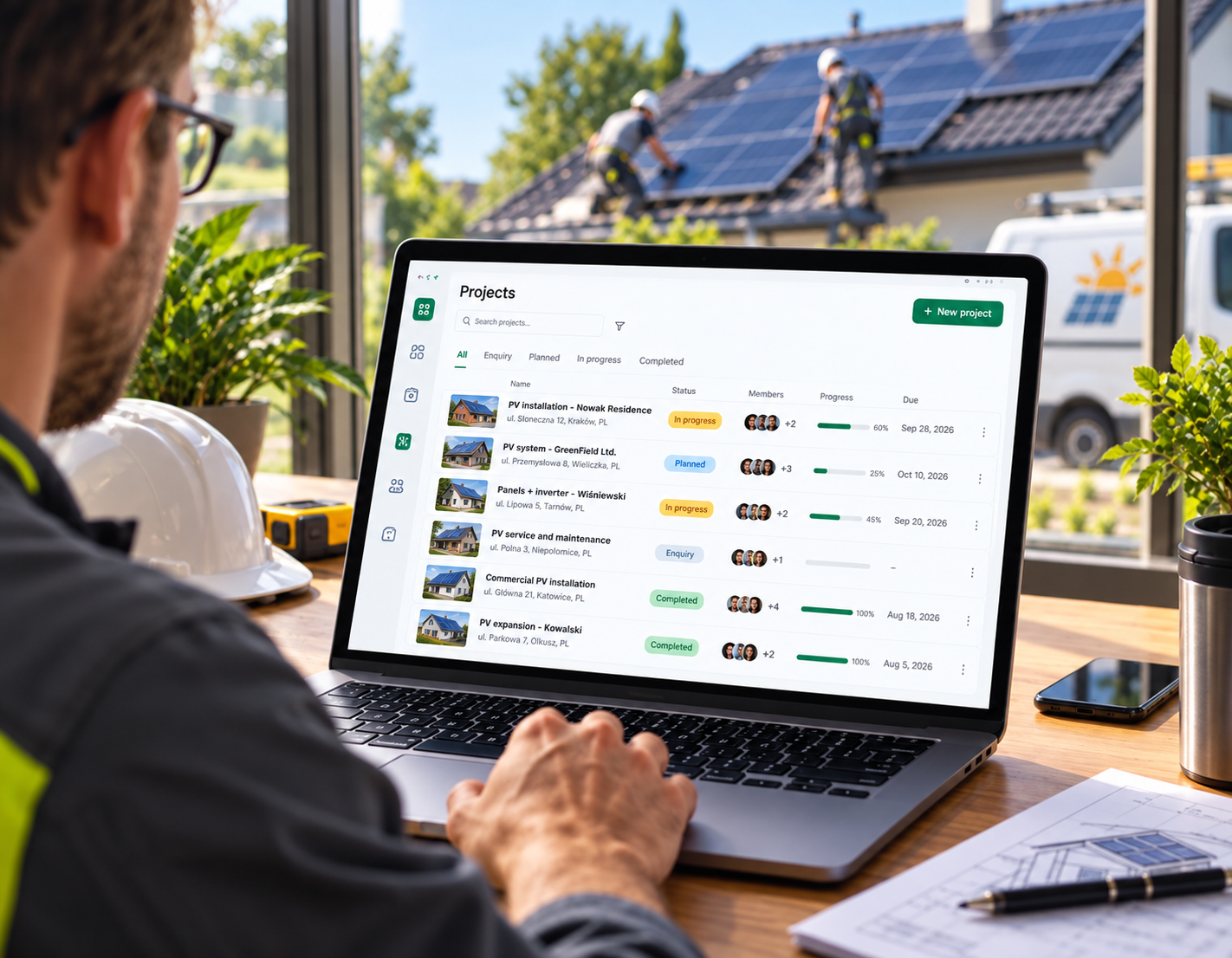
Installers add photos to the job, and the office sees them right away. At handover and during service, the full history is in one place.
14 days free · no card required
12 of 16 tasks complete
New roof photos · 8 min ago
4 people on the crew
Where does installation information go?
The crew does not have to search for photos on phones, agreements in chat or documents in email.
Chatsagreements
Phonesphotos
Emailfiles
Papermeasurements
How Speci helps with daily work
Printouts get lost or may be out of date.
They do not remain on employees’ phones.
No calls, messages or interruptions.
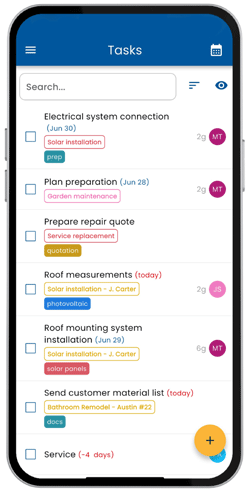
Every task has an owner and a due date.
What will be hidden later is documented too.
All job documentation is easy to access.
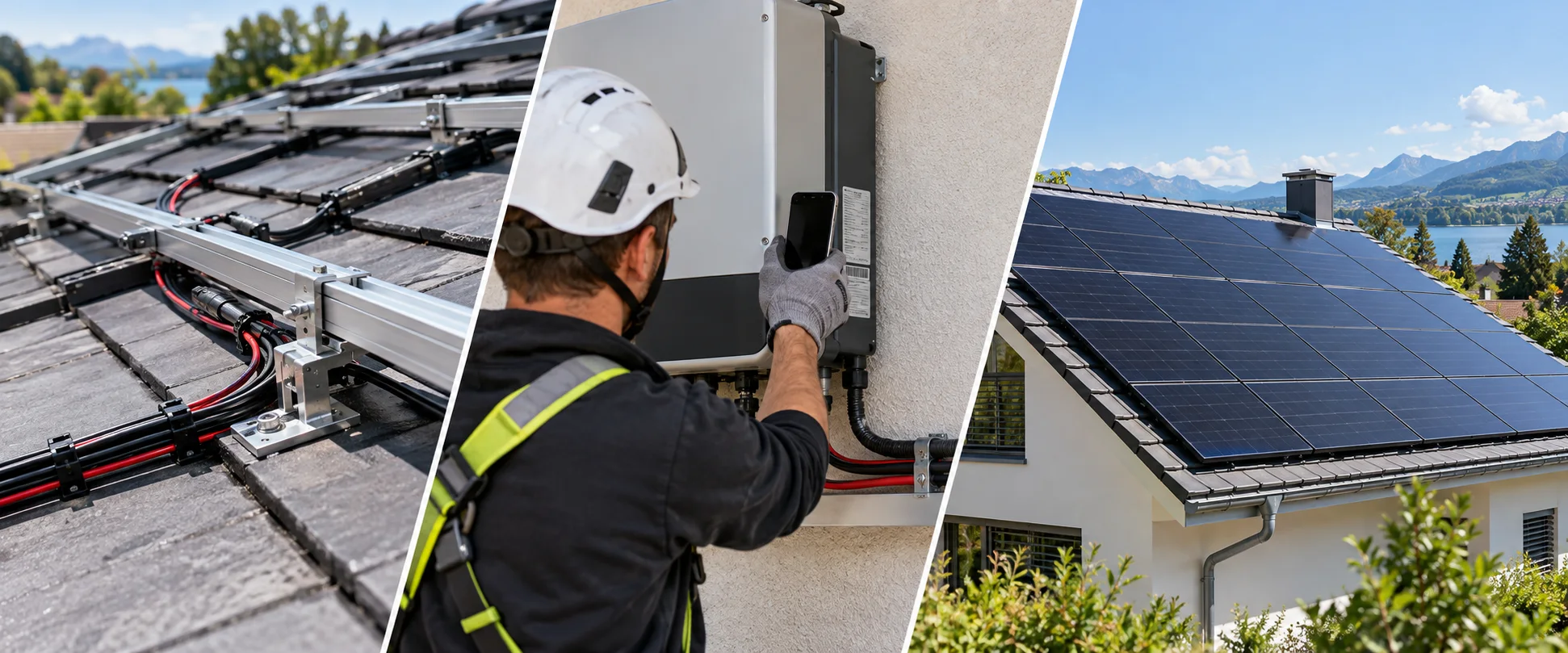
Documentation before covering
Mountings, cable routes and equipment labels are worth recording. They help later at handover, during service or with warranty claims.
Working in the app on site
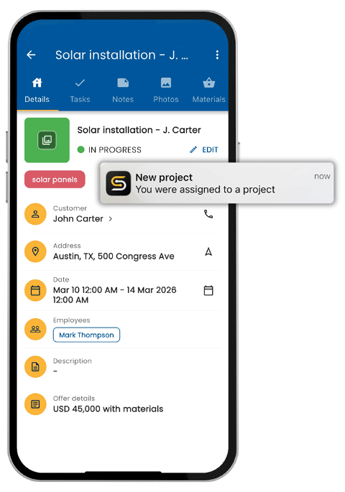
The installer checks tasks, adds photos and saves notes while working. The office immediately sees what has been done.
Why are chat and cloud storage not enough?
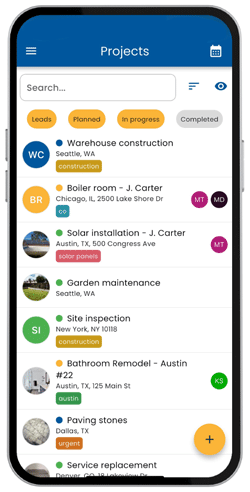
Photos, documents, tasks and agreements do not end up in separate folders and conversations. They stay with the installation they concern.
More than documentation
Stay on top of changes and deadlines without watching chats.
Jobs and crew schedules in one view.
Materials and labour listed together with their costs.
A summary document and hours tracked against tasks.
You do not need to change the whole company at once. Start with the next installation.