
01
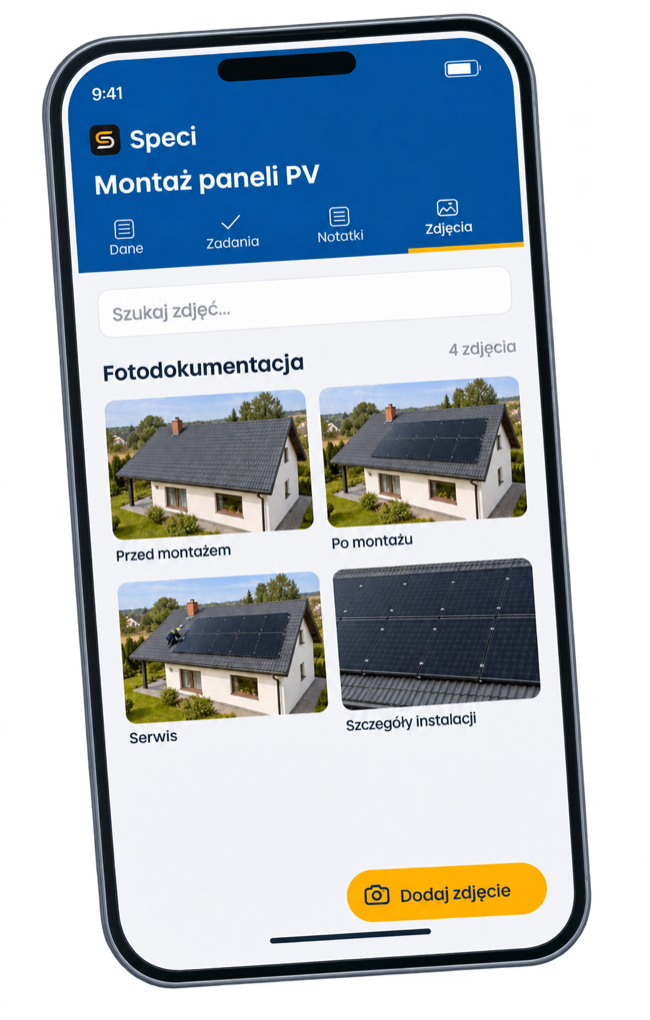
Take a photo. Keep it with the job.
Document work on site. Photos and notes keep the details available for handover, servicing or the next job.
Explore the solution

Speci
Speci · office and field
Connect your office, field team and customer. Photos, tasks and decisions stay with the right job.
free for 14 days
A quick introduction
See how Speci connects people, information and everyday work on jobs.
Solutions
Choose your industry or the part of your work you want to organise.
 HVAC / Installers
 Interior finishing
 Construction
 Service and maintenance
 Road construction and maintenance
 Landscaping
Solar installation
What matters in everyday work
Document work on site. Photos and notes keep the details available for handover, servicing or the next job.
Explore the solutionPlan dates in the calendar and assign work to employees or subcontractors. They receive a notification; you can check tasks and progress in the app.
Explore the solution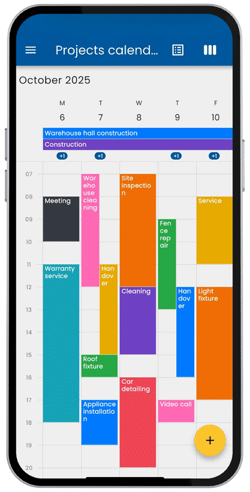
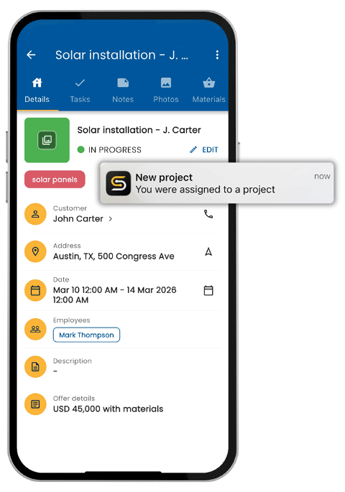
Add the customer as a user. Assign them to the relevant job. Share notes, photos and shopping lists in the same job.
Explore the solution
Keep customer details, tasks, documentation and costs in one place. From the first request to the completed work summary.
Explore the solution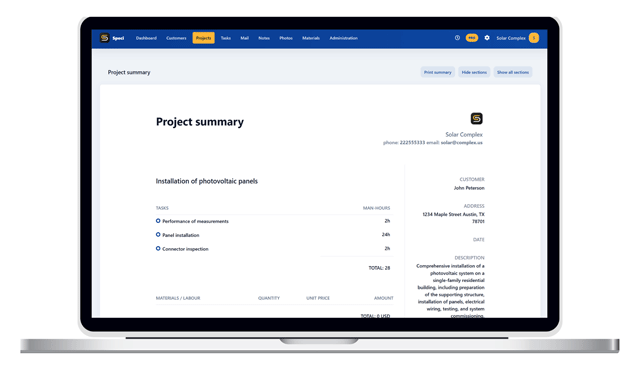
Tutorial videos
Short tutorials with real examples. Pick a topic and see it in the app.
In your browser or in the app. Choose how you want to get started with Speci.
No installation. Everything you need in your browser.
Keep jobs and your team close, even away from the office.
Get the app


Select “Demo version” on the login screen.
One account — on your computer and phone.
Select “DEMO VERSION” at the bottom of the login screen. No login needed.
Simple, progressive pricing that scales with your team.


The price is calculated progressively across user tiers.

* free for 14 days
Have a larger team? Get in touch using our contact form.
Real feedback from the app stores. See what people using Speci have to say.
„A clear, well-designed app. It is easy to use, which helps out in the field where there is no time to click through a dozen tabs.”
„Our company works across several industries, and the app brings everything together in one place. Easy to use.”
„The app is very intuitive and has significantly improved our entire customer service process. I have all the information I need, such as service history, at hand.”
„It runs smoothly and makes work much easier. The premium version is reasonably priced.”
Would you like to learn more about the Speci project management app? Send us a message.